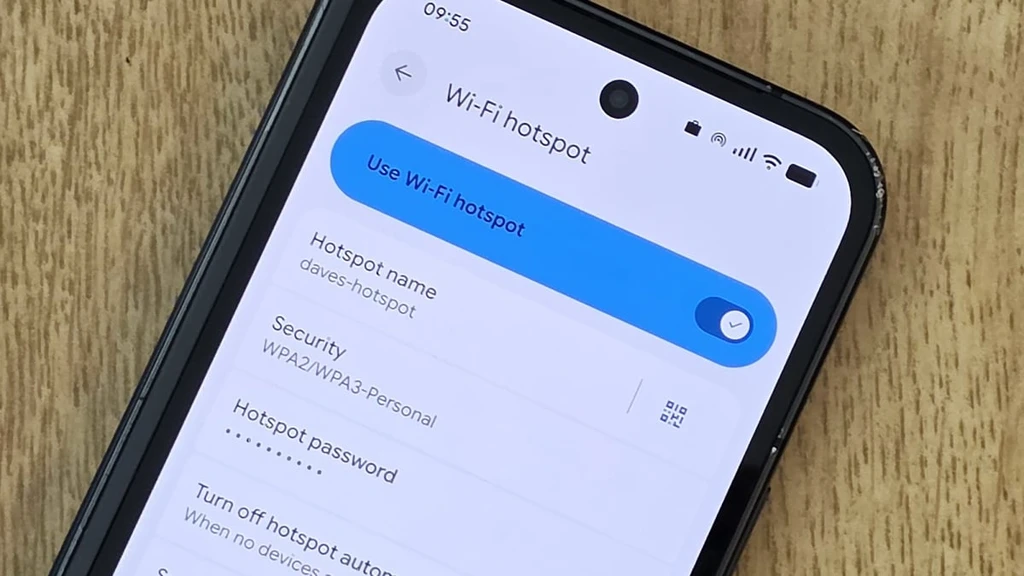
If you have an old Android phone gathering dust, you can turn it into a Wi-Fi extender. By enabling the hotspot feature, the device re-broadcasts your existing Wi-Fi signal to cover dead zones in your home. While not as powerful as dedicated devices, it offers a free solution for improving connectivity.
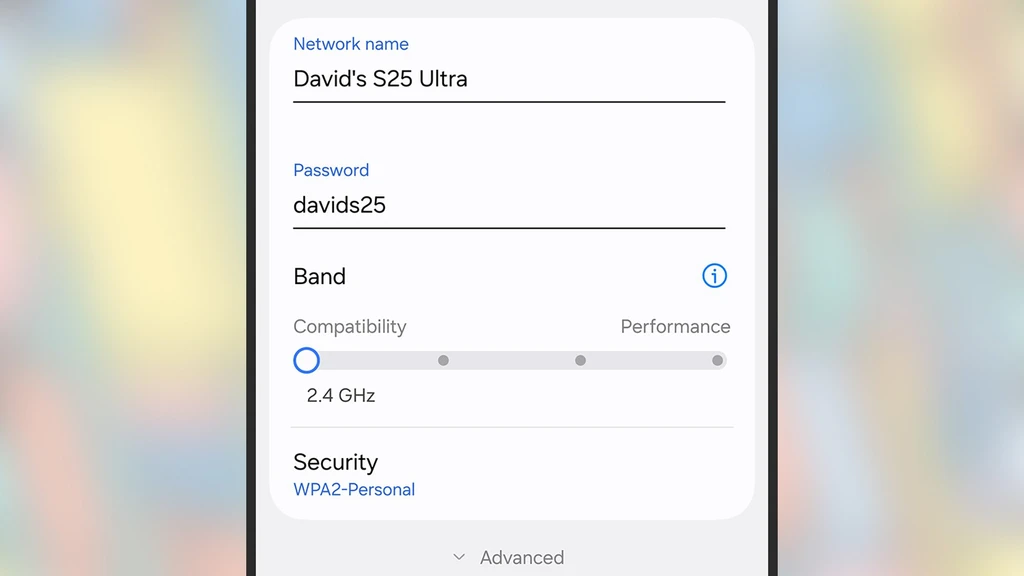
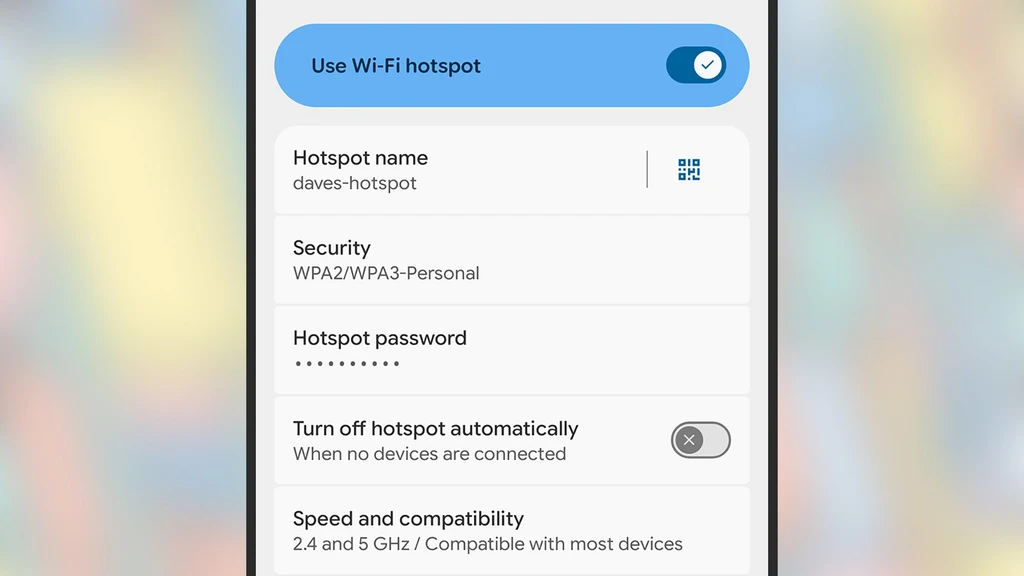
Setting up the hotspot involves accessing the Wi-Fi settings, enabling the hotspot, and configuring a new network name and password. It’s important to keep the device charged and positioned strategically for optimal performance.
Testing with a Galaxy S25 Ultra showed that while speeds drop, the connection remains usable for everyday tasks like browsing and email. The method works best with newer Android models, though older devices may not support the feature.