Google Chrome has rolled out three significant productivity enhancements for its desktop browser. These updates, now available to all users, aim to streamline workflows for both general and enterprise users.
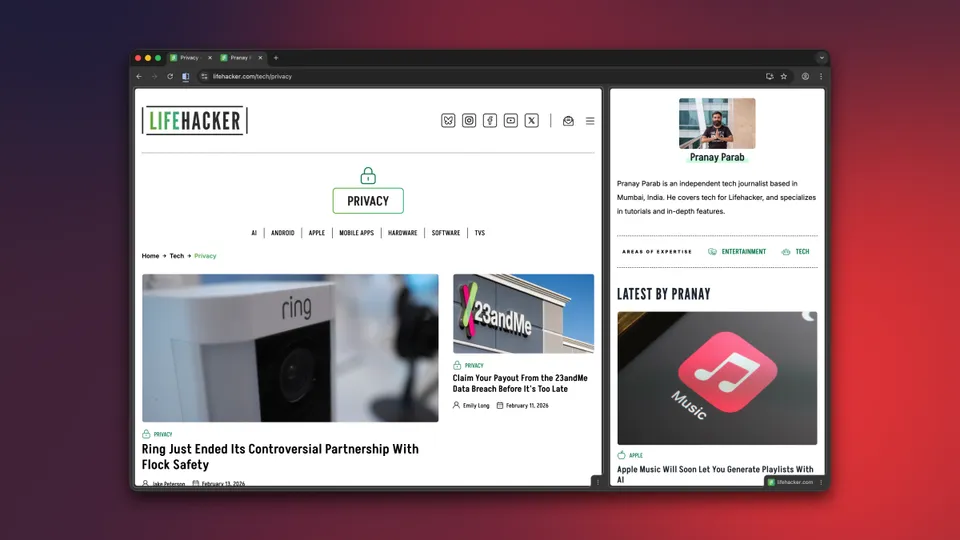
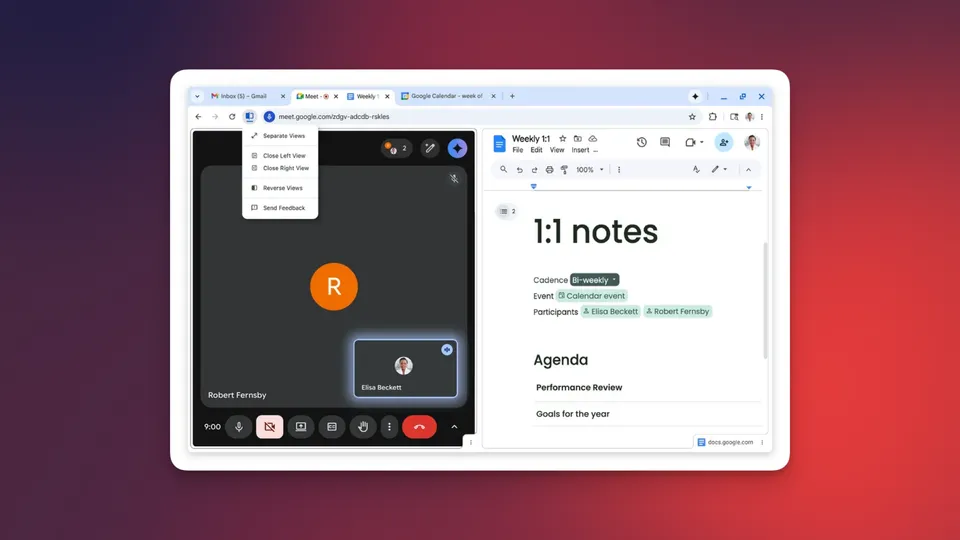
The new Split View feature allows users to merge two tabs into a single window, displaying them side-by-side. This functionality is ideal for tasks requiring simultaneous viewing, such as referencing documents while attending online meetings or cross-referencing research material. Users can activate Split View by right-clicking a tab and selecting 'Add Tab to New Split View.' The interface includes a draggable slider for adjusting screen real estate between tabs and options to rearrange, separate, or close individual tabs within the split view.
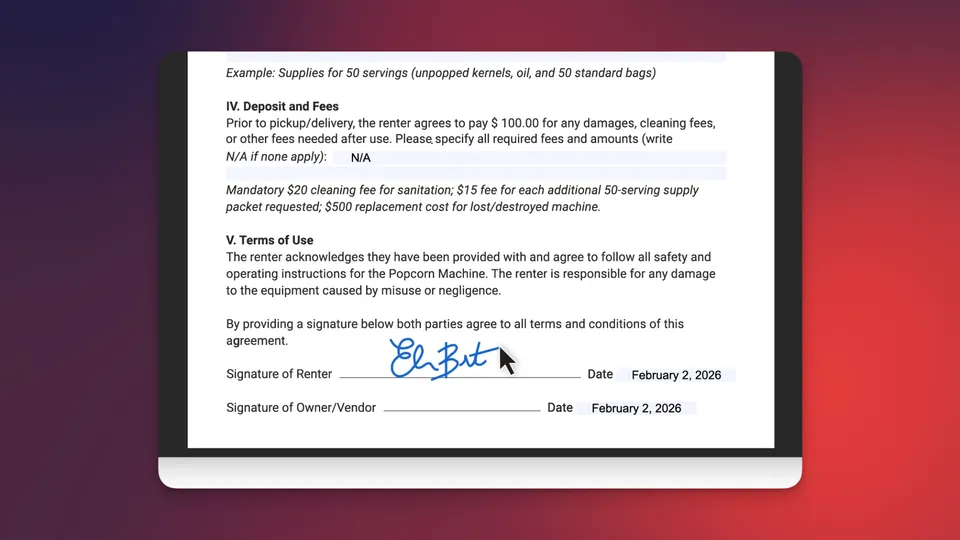
Chrome's built-in PDF viewer now includes annotation capabilities, eliminating the need for separate applications for basic edits. Users can highlight text, add notes, and apply digital signatures directly within the browser. While advanced editing still requires dedicated software, these new tools enhance Chrome's utility as a primary PDF reader.
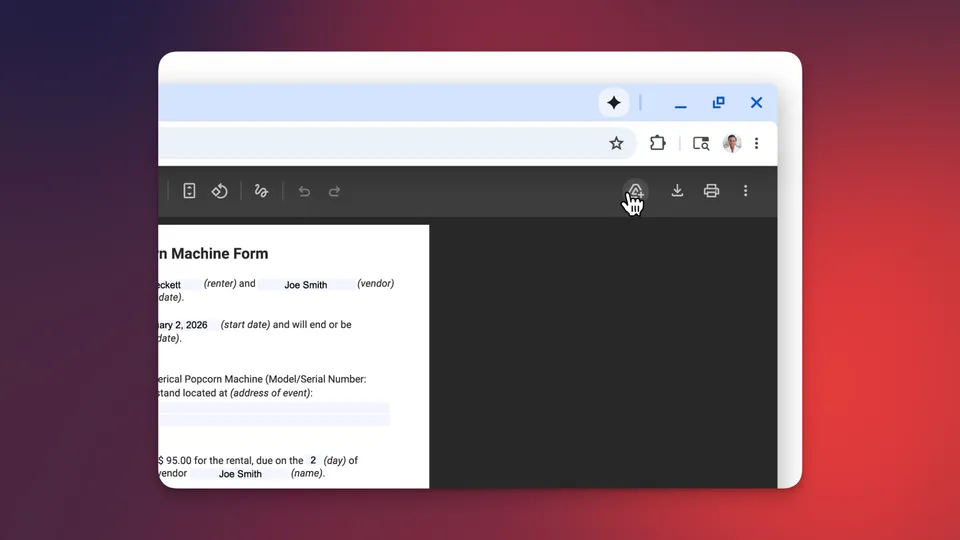
Furthermore, users can now save PDF files directly to their Google Drive account from within Chrome. A dedicated Google Drive icon appears next to the download button when a PDF is open, allowing for immediate cloud storage in a 'Saved from Chrome' folder. This feature helps maintain local storage efficiency.