YouTube's vast content library, from music to tutorials, presents a common problem: recommendations often become dominated by a single interest, hindering discovery of other content. For users who enjoy long, background music mixes while working, this can flood their feed with unrelated videos.
YouTube Channels offer a unique solution. This underutilized feature allows users to create distinct "accounts" within their main YouTube profile. These channels maintain separate viewing histories, subscriptions, comments, and recommendations, effectively siloing different content interests. This means background music sessions won't skew recommendations for active viewing, and vice versa.
Setting up a channel is straightforward via the YouTube web interface. Users can create a new channel by clicking their profile avatar, selecting "Switch account," then "View all channels," and finally "Create a channel." Each channel can be customized with a name, handle, and profile picture, allowing for tailored identities for different viewing purposes. This feature is accessible to all users, including those without YouTube Premium, and preserves Premium benefits within each channel. Switching between channels is seamless, allowing users to maintain their current viewing session without interruption.
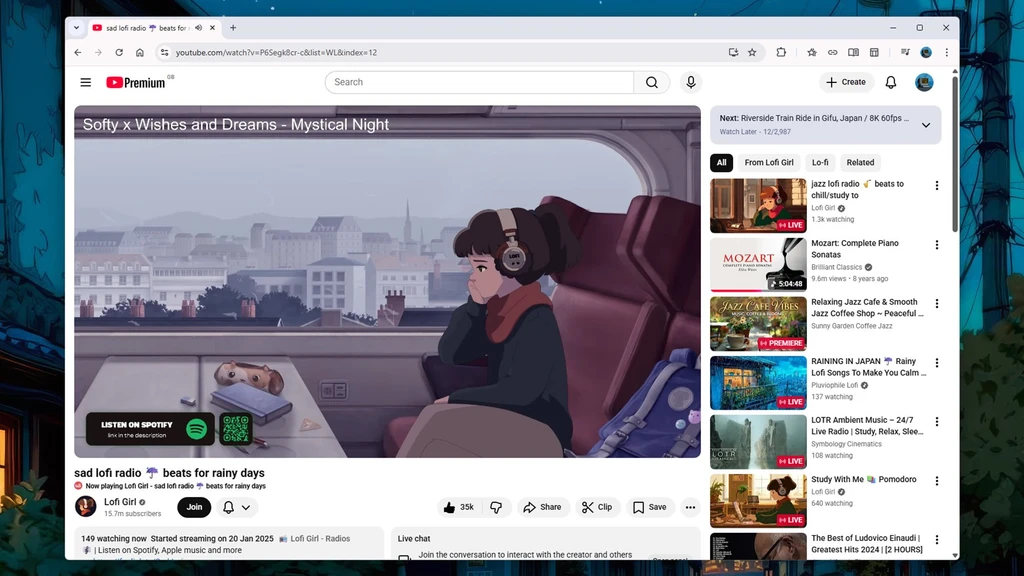
Users can manage channels by switching accounts through the profile avatar or the "You" tab on mobile. Removing an unwanted channel and its associated data is also an available option through the channel's advanced settings.