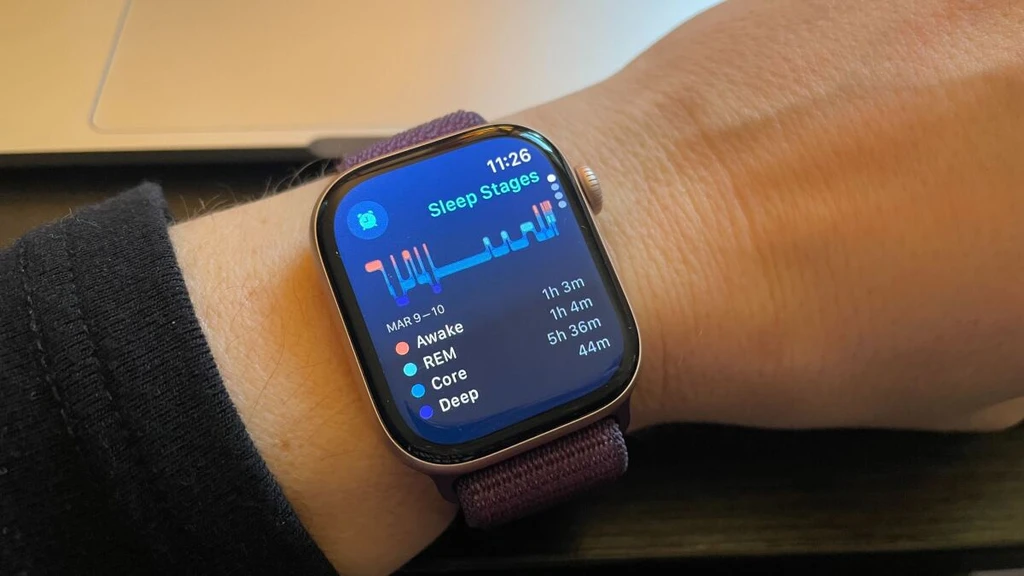
The Apple Watch offers a robust sleep tracker, integrated since WatchOS 7. This feature, compatible with Series 3 watches and newer, allows users to monitor sleep stages and duration. To utilize it, users must navigate several key areas within their Apple Watch and iPhone.
On the Apple Watch itself, the 'Sleep' app, identified by a bed icon, is central. Users can set sleep schedules here. For comprehensive data and schedule management, the iPhone's Health app is essential. Within Health, users access 'Sleep' under the 'Browse' tab to view past sleep data and configure recurring sleep schedules.
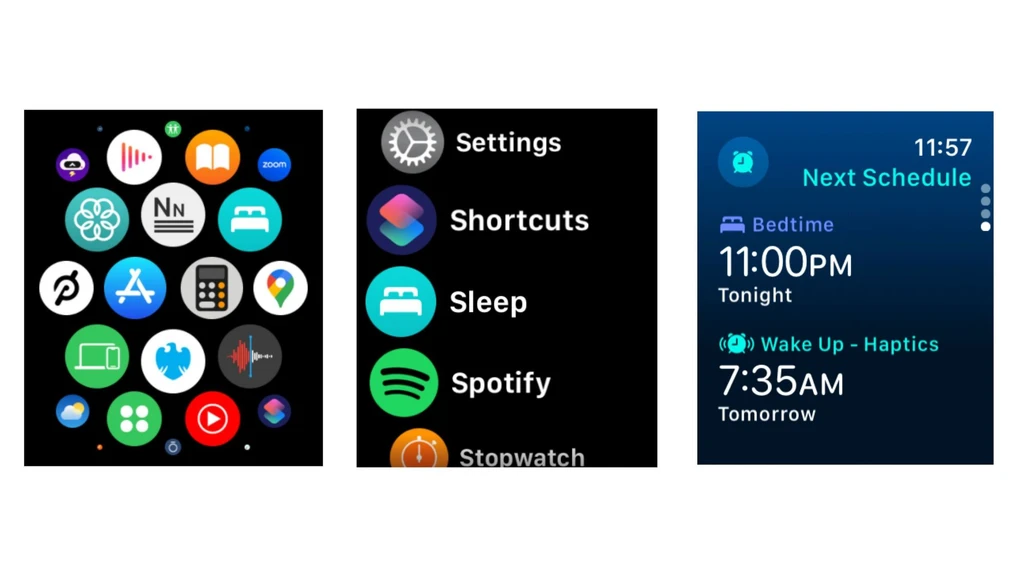
Crucially, sleep tracking must be enabled within the Apple Watch app on the iPhone. Users should navigate to 'Manage Sleep With Apple Watch' to activate 'Track Sleep with Apple Watch' and optionally 'Charging Reminders'. The Settings app allows for Sleep Focus configuration, offering customized home screens and notification settings at bedtime.
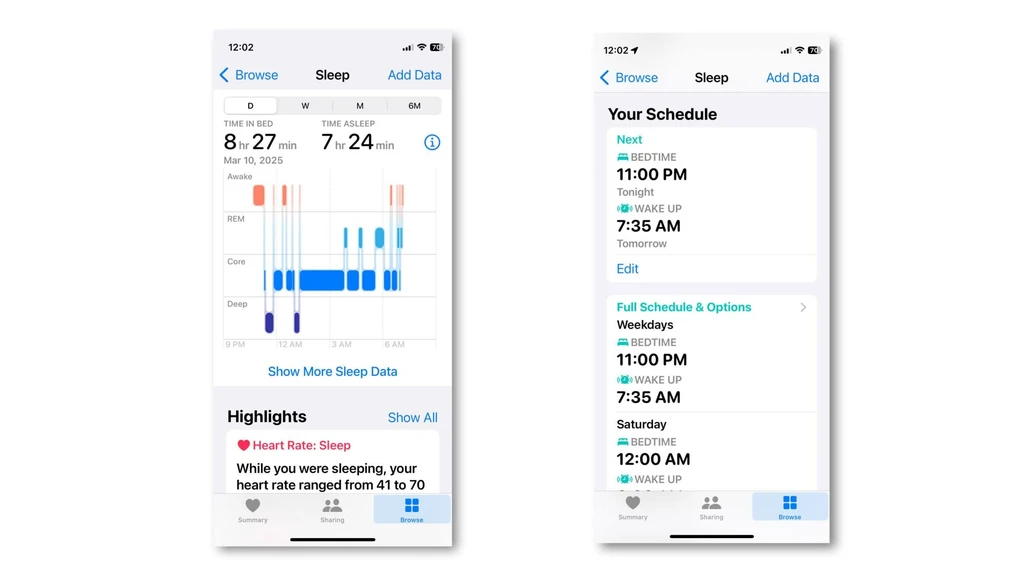
To ensure accurate tracking, wear the unlocked Apple Watch to bed with wrist detection enabled. The watch uses movement and phone activity data to estimate sleep stages, including deep, core (light), REM, and awake periods, along with heart rate. Results are viewable on both the watch's Sleep app and the iPhone's Health app, providing insights into sleep trends over weeks and months.