
Signal, a messaging app lauded for its privacy and security, offers several advanced features to enhance user protection. These include options to shield your phone number from other users, preventing unauthorized access to your account, and managing message visibility.
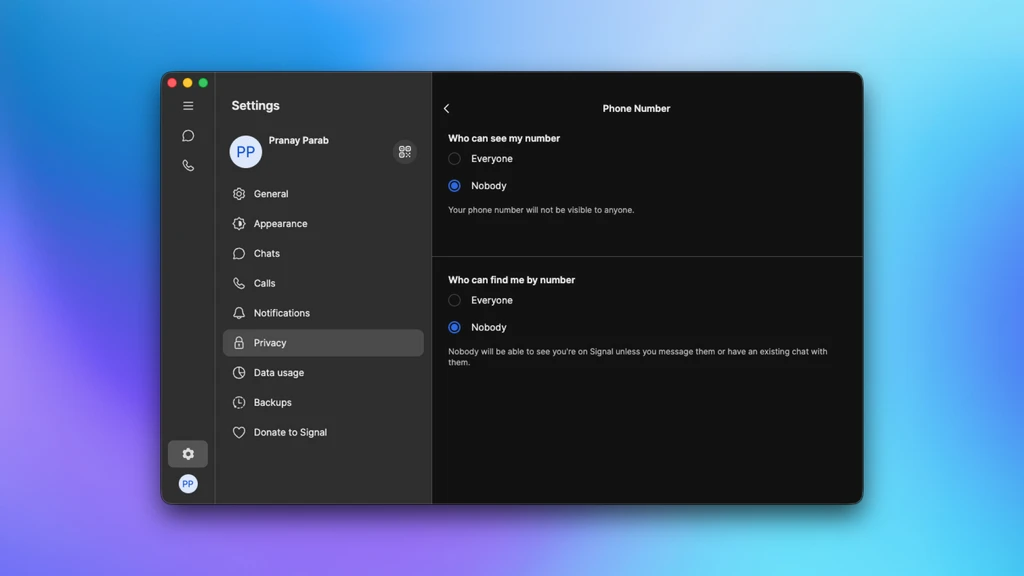
Users can opt to not reveal their phone number after account creation by navigating to Settings > Privacy > Phone Number and selecting 'Nobody'. This prevents others from seeing your number or finding you on Signal via your number.
To bolster account security against potential hackers, Signal offers a 'Registration Lock.' This feature requires an additional PIN to set up the Signal account on a new device, preventing SIM card theft from compromising the account.
Signal's 'Screen Security' feature blocks screenshots within the app on Windows 11, a measure that also helps prevent unauthorized logging of messages. On mobile, 'Hide Screen in App Switcher' (iPhone) or 'Screen Security' (Android) obscures Signal chats when switching between applications.
For direct app protection, 'Screen Lock' requires biometric authentication to open Signal, safeguarding chats from unauthorized viewing. On mobile, this is found under Settings > Privacy > Screen Lock.
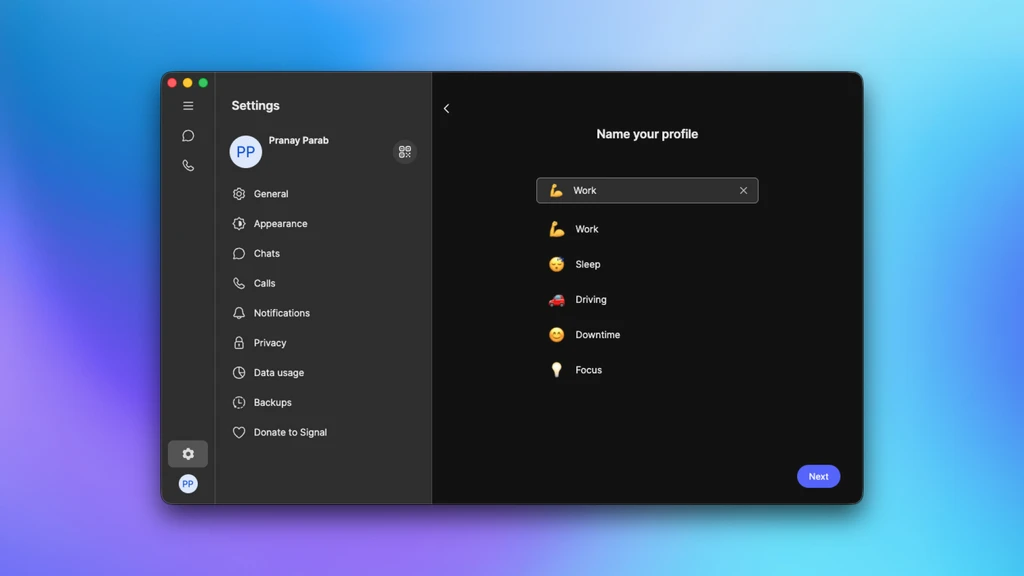
'Notification profiles' allow users to customize notification settings, enabling users to block alerts from specific contacts during certain hours or days. This can be configured on desktop apps via Notifications > Notification profiles.
'Disappearing Messages' offers an automatic deletion timer for texts, which can be set globally in Settings > Privacy > Disappearing Messages or individually within specific chats.
Users can disable the 'Stories' feature entirely under Settings > Stories if they prefer not to use this ephemeral posting option.
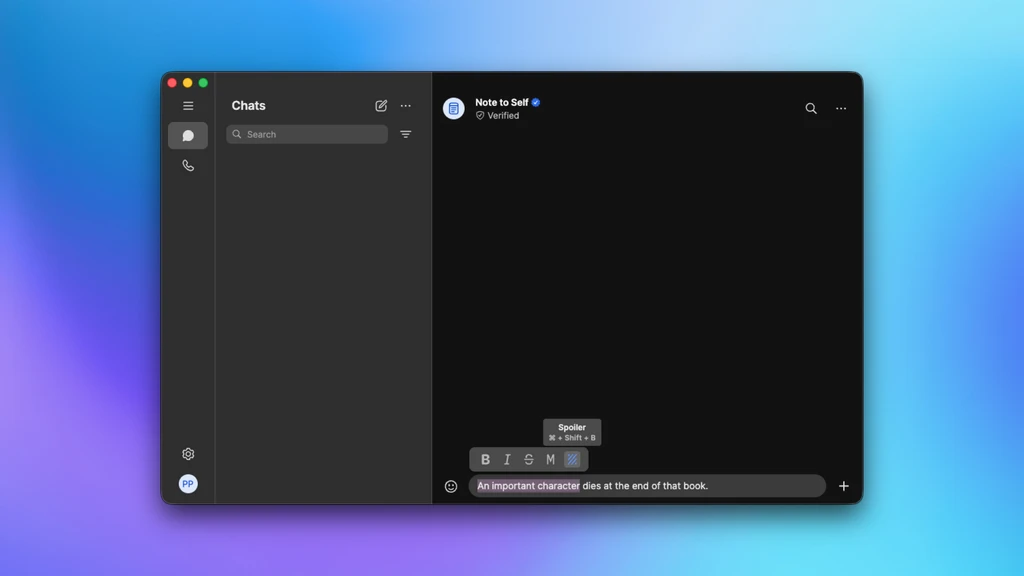
'Spoiler' formatting, akin to iMessage's Invisible Ink, hides text until the recipient taps it, useful for concealing spoilers in discussions about media or games. This is accessed via the Format menu after selecting text.
Voice and video calls can be relayed through Signal servers to mask the user's IP address, although this may slightly reduce call quality. This setting is available under Settings > Privacy > Advanced > Always Relay Calls.
Verifying safety numbers is crucial for ensuring secure communication. Users can view a safety number within a chat and match it with their contact in person or over a call to confirm chat integrity.